Adventure Template (Author’s Guide)
AN ADVENTURE IN LEARNING FOR ALL LEVELS
Version 0.1
This text is licensed Creative Commons BY-SA 4.0. Unless otherwise noted, images in this document are licensed CC0 Public Domain. Each adventure and ruleset on this site has its own license.
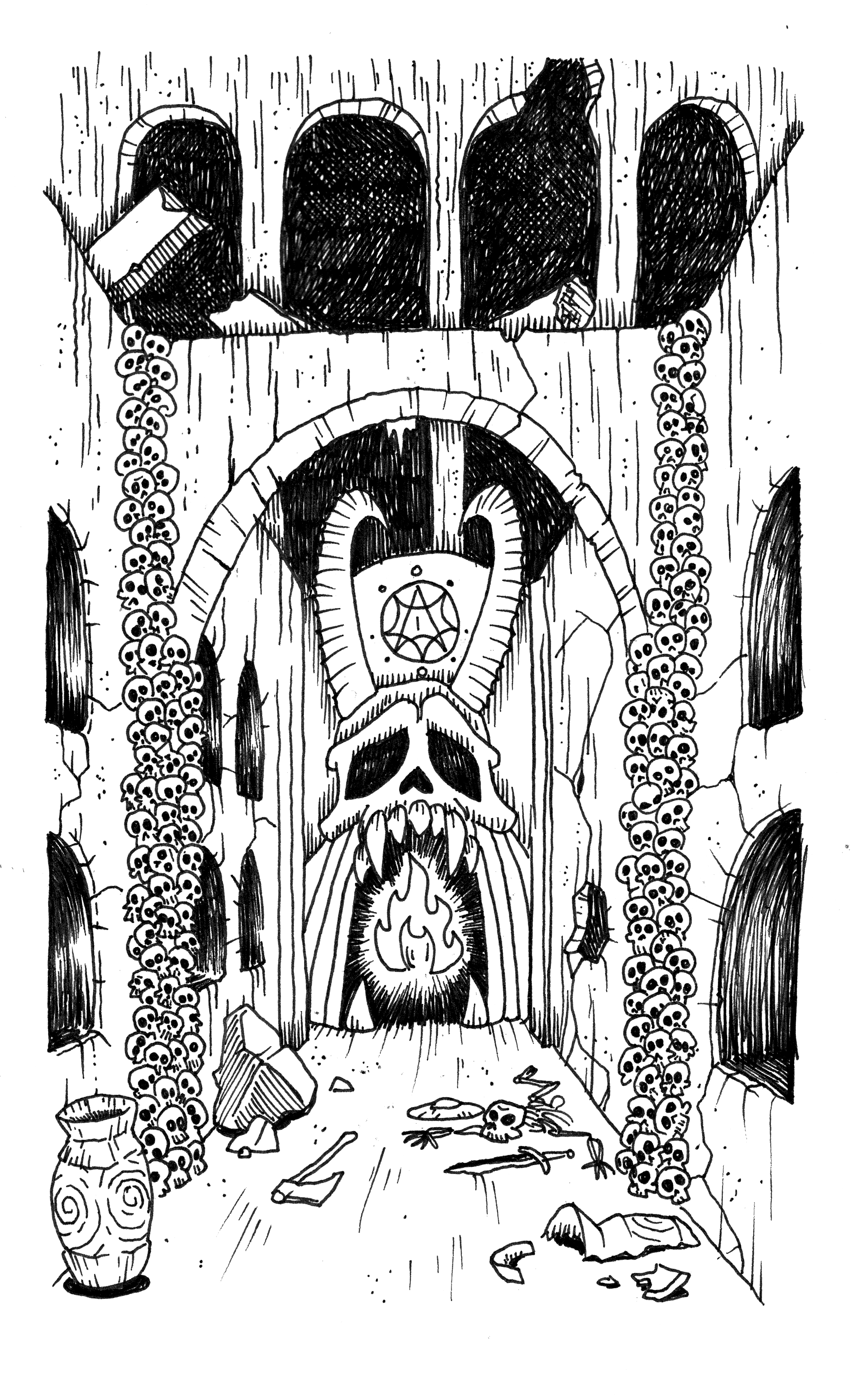
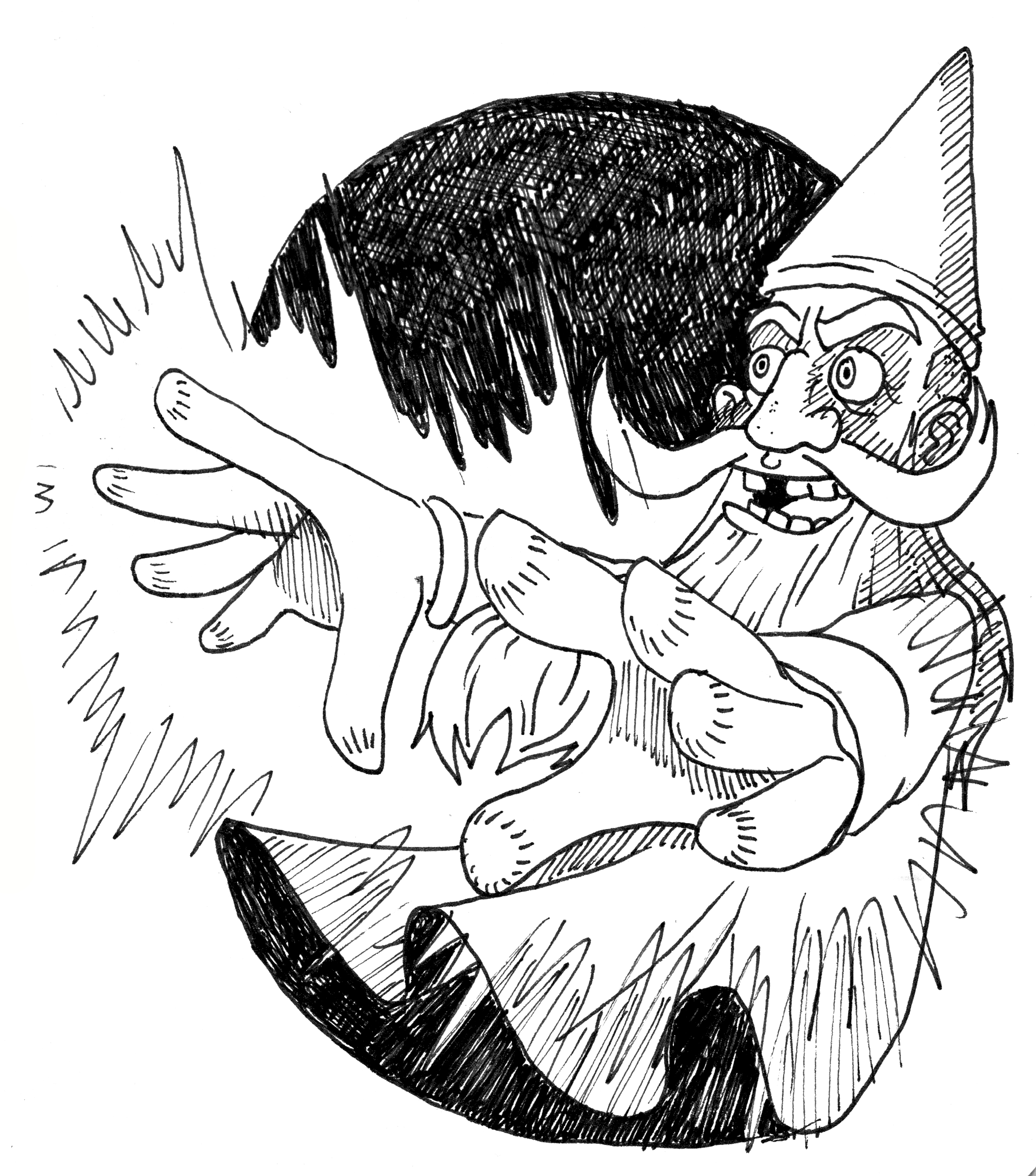
 This CC BY-SA 4.0 illustration by Gordy is embeded using only markdown. There’s no size or position information.
Table of contents
This heading and the one above it use {: .no_toc } so it does not appear under the in-page table of contents or the navigation bar to the left.
The Table of contents section above uses Just the Docs’ built-in {:toc} tag. With the TOC navigation plugin enabled, those same headings also appear in the navigation sidebar on the left.
Credits
Written by directsun
Art by Gordy
Overview
Hook
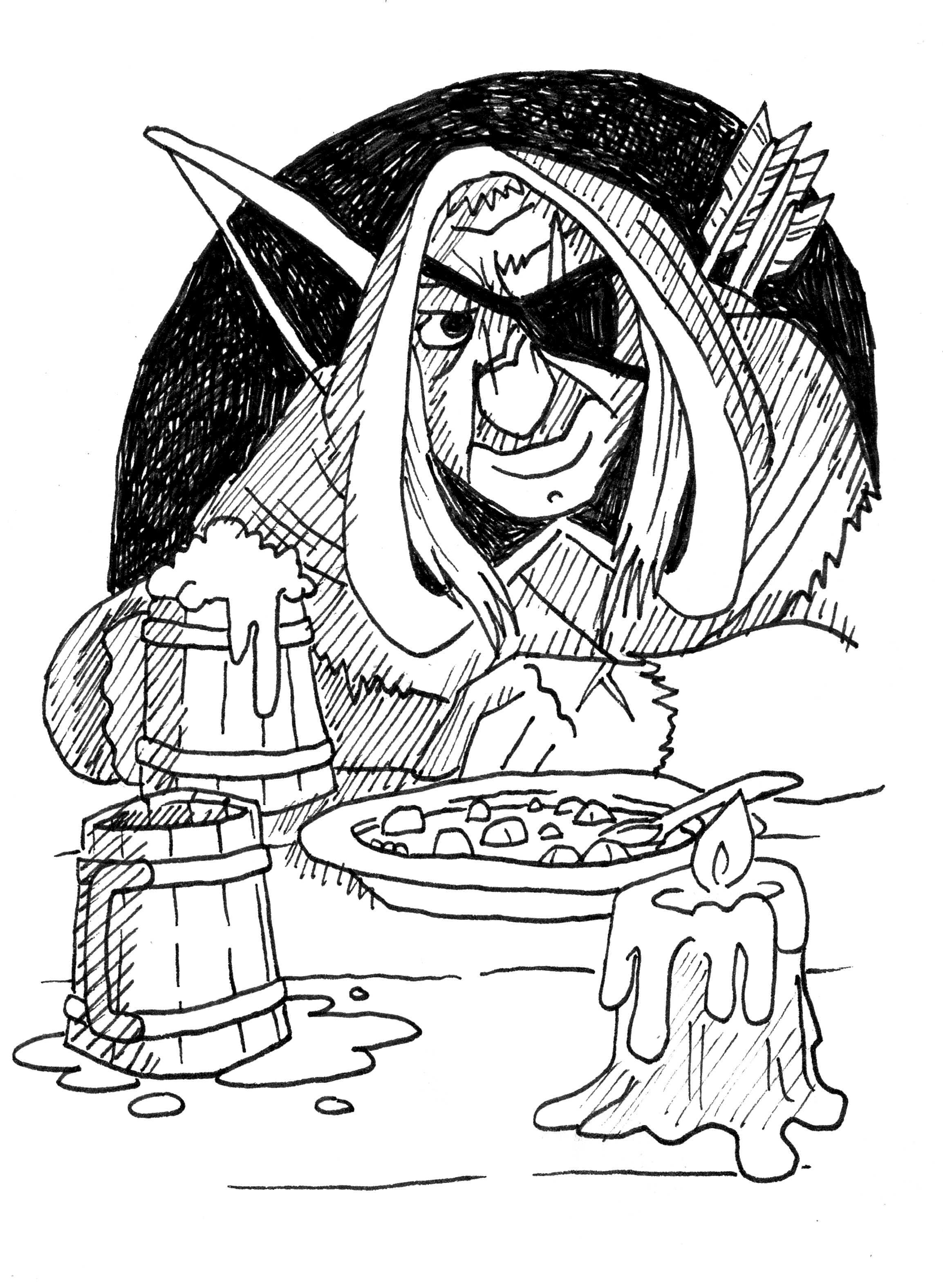
A nervous patron hires the party to explore The Formatting Cellar, a tutorial dungeon where every room demonstrates something you can reuse in your own adventure. The patron stresses that you should reference the source Markdown file adventure-template.md while navigating the cellar to reveal how it was created.
When questioned about the image displayed here, they explain that it is embedded using HTML. It’s positioned to the right, the text wraps to the left, there’s margins, and there’s a maximum percentage width. The <a> anchor tag contains a hyperlink to the full-size image which opens in a new tab.
Front matter
Every page in docs/ begins with YAML front matter between --- lines. At the top of this Markdown file, the front matter sets the sidebar title, search description, and sort order.
---
title: "Adventure Template (Author's Guide)"
description: "A short sample adventure that teaches..."
nav_order: 4
---
Save your adventure as docs/your-adventure-name.md. Lower nav_order numbers appear higher in the sidebar.
Dungeon features
Use callouts for reminders, read-aloud text, or blocks of other important information that should stand apart from the rest.
Unless otherwise noted, these features hold true for the whole cellar:
- Light: None.
- Doors: Stuck wooden doors; 1-in-6 chance to open.
- Ceilings: 10 feet high.
This site includes the following styles by default: note, highlight, monster, and item. Exploring the Scriptorium) shows the rest of the callout styles in action.
Refer to Just The Docs documentation on callouts for more features and how to style your own.
Map
Click a region to jump to a room key. The image-links plugin reads region data from a YAML file in assets/maps/.
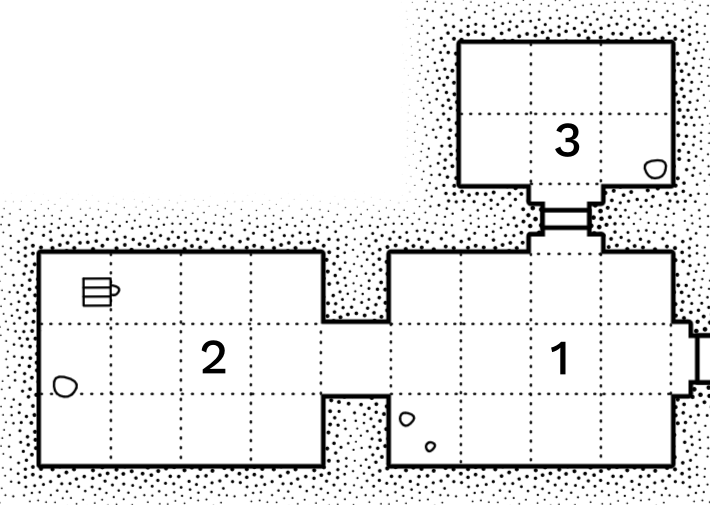
To add your own map:
- Put the map image in
assets/images/your-adventure/. - Create
assets/maps/your-adventure.ymlwithregions:— each region needshref, optionaltitle, andpointsas[x, y]pixel coordinates on the image. - Embed the image as above with
<img class="jil-map-image" …>wrapped in{::nomarkdown}…{:/nomarkdown}.
# assets/maps/your-adventure.yml
width: 1200
height: 800
regions:
  - href: /docs/room-a/
    title: Room A
    points: [[120, 80], [420, 80], [420, 320], [120, 320]]
  - href: /docs/room-b/
    title: Room B
    points: [[480, 120], [760, 120], [760, 420], [480, 420]]
See the image-links plugin readme for more information.
Note
Image-Map.net is a useful tool for grabbing pixel coordinates from an image.
Keys
1. Entrance Hall
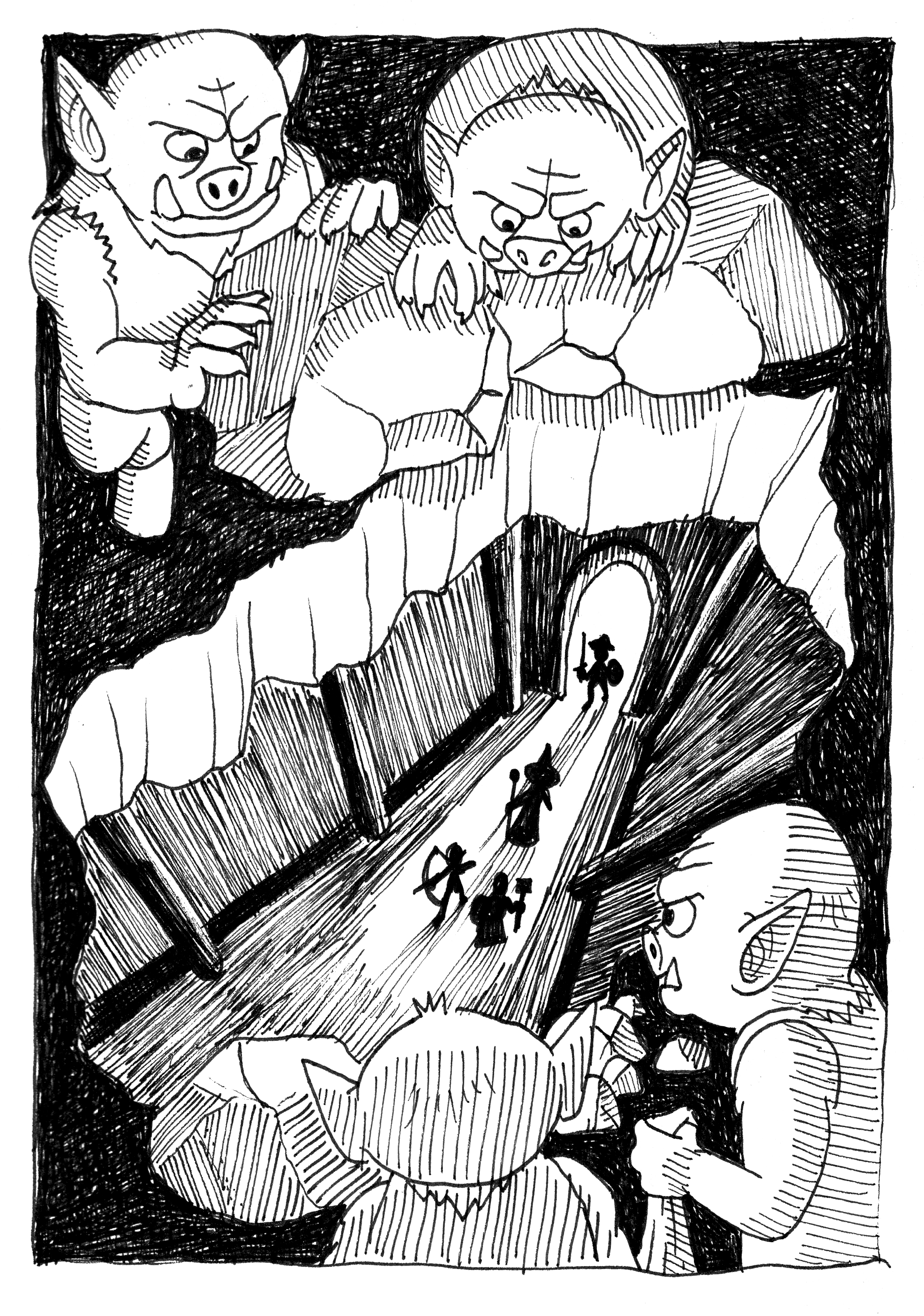
Torchlight reveals a stone arch carved with curly brackets and hash marks. This read-aloud text is styled with triple asterisks: ***like this***.
A plaque reads: “Hover me.” Internal links like goblin scribe and 2. Dice Chamber open preview windows when you hover (desktop) or long-press (mobile). The links work with other documents on the site as well, like these evasion rules from OSE. Holding SHIFT keeps a preview window open.
2. Dice Chamber
A dice tray rests atop a worn oak table. The dice-tray plugin turns common dice notation into clickable rolls.
You can also roll from tables:
| 1d3 | Result |
|---|---|
| 1 | A Goblin scribe offers bad advice. |
| 2 | A callout materializes on the wall (see Overview). |
| 3 | Treasure: Silver Stylus. |
3. Scriptorium
Shelves hold blank scrolls and three labeled cubbies: Highlight, Monster, and Item.
Here are examples of the default callout styles. Use blockquotes for read-aloud text, stat blocks and magic items. Add a Kramdown attribute line before the quote to style it and assign an anchor id for links:
Goblin Scribe
AC 7 [12], HD 1 (4hp), Att 1 × quill (1d3), THAC0 19 [+0], MV 60′ (20′), ML 6
- Pedantic: Insists on correcting your Markdown.
Silver Stylus
Writes in any language. Worth 50 gp. Links to itself like this: Silver Stylus.
Wandering encounters
1-in-6 chance every turn in the cellar.
| 1d12 | Encounter |
|---|---|
| 1 | 1d6 goblin scribes rewriting each other’s drafts. |
| 2 | An NPC asks how URLs are generated. (see below) |
| 3–12 | Nothing. The cellar is mostly documentation. |
Appendicies
Checklist for your adventure
Copy this file, rename it, and work through the list:
-
Update front matter (
title,description,nav_order). - Replace credits and license text.
-
Add optional cover art with a linked thumbnail:
<a href="…"><img src="…"></a>. - Write an Overview (hook, entrance, special rules).
-
Add a map image plus
assets/maps/your-adventure.ymlregions. -
Write entries with
**text styles**and[internal links](#anchors). -
Put monsters in
{: .monster #anchor}blockquotes; items in{: .item #anchor}. -
Drop dice notation naturally in the prose (
2d6,3-in-6,d20+5). -
Put images in
assets/images/your-adventure/and reference them with site-root paths (/assets/images/...).
URLs and file names
Settings in _config.yml control how URLs are formed. permalink: pretty and heading_anchors are enabled by default.
This document, with the original file name of adventure-template.md, is served at /docs/adventure-template/.
Headings become anchor links automatically: ## 1. Entrance Hall → #1-entrance-hall.
Side-by-side images
Use a little HTML when Markdown alone is awkward:
References
- Just The Docs — more styling and configuration documentation
- Markdown cheat sheet — formatting options
Example adventures
- Puzzle Dungeon: The Seers Sanctum — full adventure with figure-style map and room art
- A Familiar Tower — multi-level maps, creature appendix, and cross-page rule links
When your draft is ready, follow the submission guide to share it or host your own site.